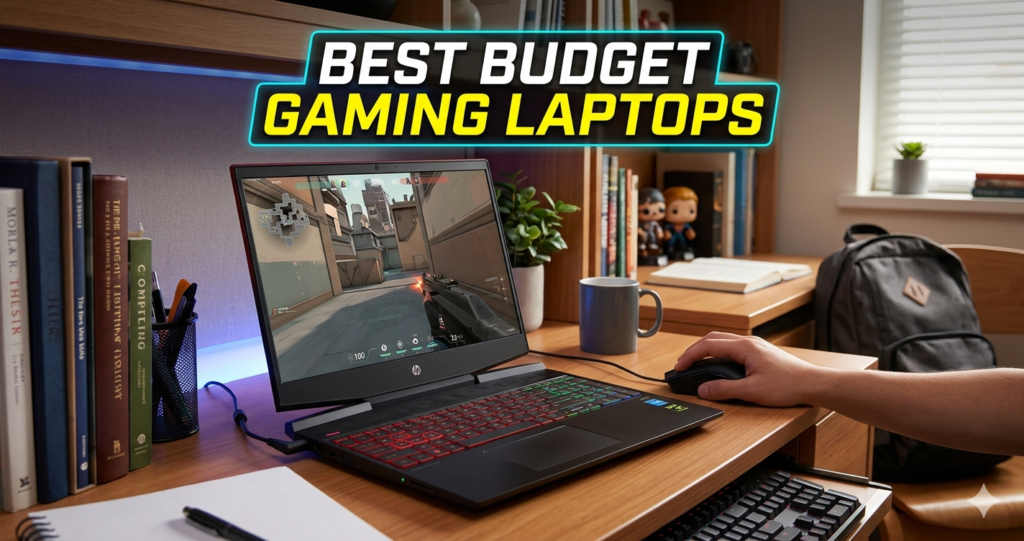
Finding a capable gaming machine without emptying Best Budget Gaming Laptops your savings account is a challenge, but 2026 has brought some surprising shifts to the entry-level market. While the “hardcore“ rigs are pushing into the multi-thousand dollar range, a new crop of budget warriors has emerged. These machines are designed for the student who needs to finish a paper by day and climb the ranks in Valorant or League of Legends by night.
The $600 price point is the “sweet spot” for value. Here, you transition from basic office laptops with integrated graphics to legitimate gaming hardware featuring dedicated NVIDIA and AMD chips. If you are tired of playing on “Low” settings with 20 FPS, this guide will walk you through the top 5 budget gaming laptops currently dominating the market, helping you get the most frames per dollar.
What is a Budget Gaming Laptop and Why it Matters
A budget gaming laptop is a portable computer specifically engineered to balance cost-efficiency with the graphical power needed to run video games. Unlike a standard “business” laptop, which prioritizes battery life and thinness, a budget gaming laptop focuses on two critical components: the Dedicated GPU (Graphics Processing Unit) and Thermal Management.
In 2026, the importance of these machines has skyrocketed. With the rise of AI-enhanced gaming (like NVIDIA’s DLSS and AMD’s FSR), budget hardware can now “punch up,” delivering smooth 1080p performance that previously required a mid-range investment. Owning a dedicated gaming laptop matters because standard integrated graphics often share your system’s RAM, leading to stutters and crashes in modern titles.
By investing in a sub-$600 gaming laptop, you gain access to a dedicated “video memory” pool and high-refresh-rate screens (often 144Hz), ensuring that your gaming experience is fluid, responsive, and—most importantly—competitive.
Step-by-Step Guide: How to Choose and Setup Your Budget Rig
To get the best performance out of a $600 machine, you need to be strategic. Follow this guide to ensure you aren’t leaving any speed on the table:
-
Check the GPU First: Ensure the laptop has at least an NVIDIA RTX 2050 or RTX 3050 (6GB version). Avoid laptops that only list “Intel Iris Xe” or “Radeon Graphics” without a specific model number, as these are usually integrated chips.
-
Verify the RAM: Most budget laptops ship with 8GB of RAM. To avoid “stuttering,” purchase an additional 8GB stick (usually $30) and install it in the empty slot for a massive dual-channel performance boost.
-
Enable “Performance Mode”: Once you unbox your laptop, open the manufacturer’s software (like HP Omen Command Center or Acer NitroSense) and toggle the power plan to “Extreme” or “Gaming” while plugged in.
-
Update Your Drivers: Go to the NVIDIA or AMD website immediately to download the latest “Game Ready” drivers. Factory-installed drivers are often months out of date.
-
Optimize Game Settings: Use tools like GeForce Experience to automatically set your games to “Optimal.” In 2026, always enable DLSS or FSR in game menus to boost your frame rates by up to 50%.
The Math Behind the Magic: Frames and Refresh Rates
You might wonder why a “144Hz” screen is such a big deal on a budget laptop. It comes down to a simple formula involving Frame Times and Latency.
Standard screens refresh at 60Hz, meaning they show a new image every 16.6 milliseconds. A 144Hz screen refreshes every 6.9 milliseconds.
Even if your budget GPU can only output 80 FPS, a 144Hz screen displays those frames much sooner after they are rendered compared to a 60Hz panel. This reduces “input lag,” which is the delay between you clicking the mouse and the gun firing on screen. In the world of budget gaming, lower latency often beats higher resolution.
Real-Life Scenarios: What Can You Actually Play?
To give you a better idea of what these sub-$600 machines can do, let’s look at two common scenarios:
Scenario A: The Esports Competitor
Imagine you buy the HP Victus 15 with an RTX 2050. You load up Fortnite or Counter-Strike 2. By setting the graphics to “Competitive Medium” and enabling DLSS, you can consistently hit 90–110 FPS. On the included 144Hz screen, the movement feels buttery smooth, giving you a literal edge over players on 60Hz office laptops.
Scenario B: The Open-World Explorer
Suppose you pick up the MSI GF63 Thin on sale for $580. You want to play an older AAA title like Cyberpunk 2077 or Elden Ring. By using “Low-Medium” settings at 1080p, the dedicated 4GB or 6GB of VRAM allows you to maintain a steady 45–60 FPS. While it isn’t “Ultra” quality, it is fully playable and looks significantly better than a console from the previous generation.
FAQs
1. Can I really get a good gaming laptop for under $600 in 2026?
Yes. While you won’t be playing at 4K resolution, models like the Acer Nitro V and HP Victus frequently drop below $600 during sales, offering dedicated RTX graphics that handle all modern esports and most AAA games at 1080p.
2. Is 8GB of RAM enough for gaming?
It is the bare minimum. While 8GB will run most games, you will experience “hiccups” if you have Chrome or Discord open in the background. We highly recommend spending $30 to upgrade to 16GB.
3. Will these laptops overheat?
Budget laptops use more plastic and smaller fans than premium rigs. To keep temperatures down, always game on a flat, hard surface (not a bed) or invest in a $20 cooling pad to prevent “thermal throttling.”
Conclusion & CTA
The days of needing $1,000+ to join the PC gaming community are over. By choosing one of the Top 5 budget gaming laptops—like the HP Victus 15 or Acer Nitro V—you’re getting a machine that works as hard as it plays. Remember to prioritize the GPU, plan for a small RAM upgrade, and always keep your drivers updated.
Ready to start your setup? Check out the latest deals on these models at major retailers today and jump into the game without breaking the bank!