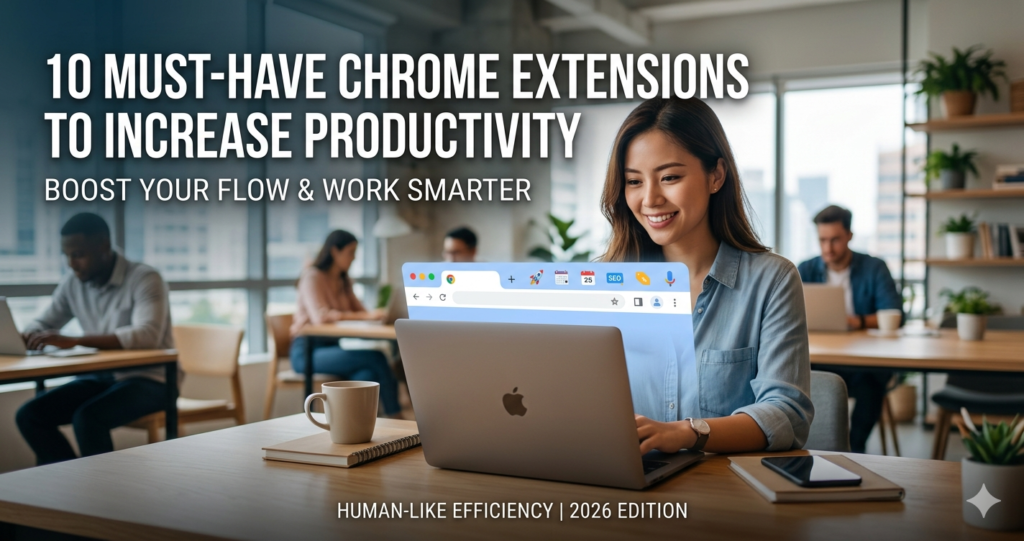
The modern web browser is no longer just a window to the internet; for most professionals, it is the primary office space. However, with infinite tabs, constant notifications, and the allure of social media, that office can quickly become cluttered and distracting. If you find yourself losing hours to “tab-switching fatigue” or manual data entry, the right set of tools can reclaim your schedule.
Chrome extensions are essentially “mini-apps” that live within your browser to automate repetitive tasks, refine your focus, and bridge the gap between different software platforms. By strategically installing a handful of these tools, you can transform a chaotic browsing experience into a streamlined, high-output workflow.
What is a Productivity Extension and Why it Matters
A productivity extension is a software module integrated into Google Chrome designed to optimize time management, focus, and technical performance. These tools matter because they eliminate “context switching”—the cognitive drain caused by jumping between different applications.
When you can check your to-do list, record a screen tutorial, or audit a website’s SEO without leaving your current tab, you maintain a “flow state.” In 2026, where digital competition is at an all-time high, efficiency isn’t just a bonus; it’s a requirement for staying relevant in any fast-paced industry.
Step-by-Step Guide to Boosting Your Browser
To get the most out of these tools, follow this implementation guide:
-
Audit Your Workflow: Identify your biggest time-wasters (e.g., manual typing, losing tabs, or broken links).
-
Install Strategically: Visit the Chrome Web Store and search for the 10 extensions listed below.
-
Configure Hotkeys: Most extensions, like Voicy or Text Blaze, allow you to set custom keyboard shortcuts (e.g.,
Ctrl+Shift+Space) for instant access. -
Manage Resources: Use an extension manager to disable tools you aren’t using daily, as having too many active extensions can slow down your browser’s RAM.
-
Sync Across Devices: Ensure you are signed into your Google account so your settings and shortcuts follow you from your laptop to your office desktop.
The Math Behind Productivity Gains
The impact of these tools can be measured using a simple Time Saved Formula:
Where:
-
$O_{time}$: The original time taken to perform a task manually.
-
$F$: The frequency of that task per month.
-
$I_{time}$: The initial time spent setting up the automation/extension.
For example, if using a tool like Text Blaze saves you 30 seconds per email and you send 20 emails a day, you save 5 hours per month. Over a year, that is 60 hours—nearly a full work week—reclaimed from a single extension.
10 Essential Extensions for 2026
1. Voicy (Speech-to-Text)
The fastest way to write. While the average person types at 40 words per minute (WPM), we speak at 150 WPM. Voicy brings AI-powered dictation to every text field, allowing you to “talk” your emails and articles into existence with 99% accuracy.
2. Text Blaze (Snippets & Automation)
Stop typing the same phrases. Text Blaze allows you to create “snippets”—short abbreviations that expand into full paragraphs, templates, or even complex forms. It’s a lifesaver for customer support and repetitive outreach.
3. Loom (Video Messaging)
Sometimes a 30-second video is better than a 500-word email. Loom lets you record your screen and camera simultaneously, instantly generating a shareable link to explain complex tasks or provide feedback.
4. uBlock Origin (Performance & Focus)
Not just an ad-blocker, but a resource-saver. By stripping away trackers and heavy ad scripts, it significantly reduces page load times and removes the visual clutter that leads to distractions.
5. Scribe (SOP Generator)
Training a team? Scribe monitors your actions as you perform a task and automatically generates a step-by-step guide with screenshots. It turns a 20-minute manual documentation session into a 2-minute automated one.
6. OneTab (Memory Management)
If you suffer from “Too Many Tabs Syndrome,” OneTab is the cure. One click collapses all your open tabs into a single list, reducing CPU usage by up to 95% and allowing you to restore them later when needed.
7. Grammarly (AI Writing Assistant)
Beyond simple spellcheck, the 2026 version of Grammarly uses advanced AI to suggest tone shifts, clarity improvements, and even structural changes to ensure your professional communication is always polished.
8. SEOquake (Instant Audits)
A powerhouse for marketers. It provides an instant SEO summary of any webpage, including keyword density, internal/external links, and domain authority, directly within the browser interface.
9. Momentum (Personal Dashboard)
Replace the boring “New Tab” page with a personal dashboard. It features a daily focus goal, a clean to-do list, and a calming aesthetic to keep you centered every time you open a new window.
10. Wappalyzer (Tech Profiler)
Curious about what software a competitor’s site is using? Wappalyzer identifies the CMS, framework, analytics tools, and plugins used on any website, providing instant market research.
FAQs
Do Chrome extensions slow down my computer?
Yes, if you have too many active at once. Each extension consumes a bit of RAM. To prevent lag, use an extension manager to “hibernate” tools you aren’t currently using.
Are these extensions safe for my data?
Most reputable extensions like those listed here are vetted by Google. However, always check the “Privacy” tab in the Chrome Web Store to see what data the extension collects before installing.
Can I use these on my mobile phone?
Standard Chrome extensions do not work on the mobile Chrome app. However, some mobile browsers like Kiwi or Yandex support Chrome extensions on Android.
Conclusion & CTA
Productivity isn’t about working more hours; it’s about making the hours you work more effective. By integrating these 10 tools, you can automate the mundane and focus on the creative.
Ready to supercharge your browser? Pick just two extensions from this list—like Voicy for speed and OneTab for organization—and install them today. You’ll be surprised at how much “hidden” time you find in your day.